

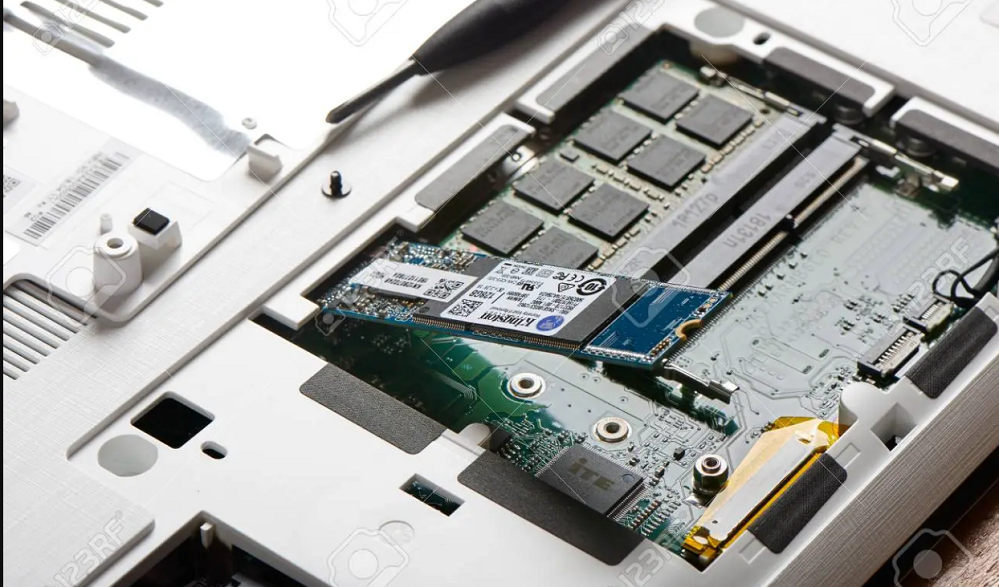
What is an NVMe SSD?
An NVMe SSD is a type of solid-state drive (SSD) that uses the NVMe protocol to connect to a computer. NVMe is a newer protocol that was designed specifically for SSDs, and it offers a number of advantages over the older SATA protocol.
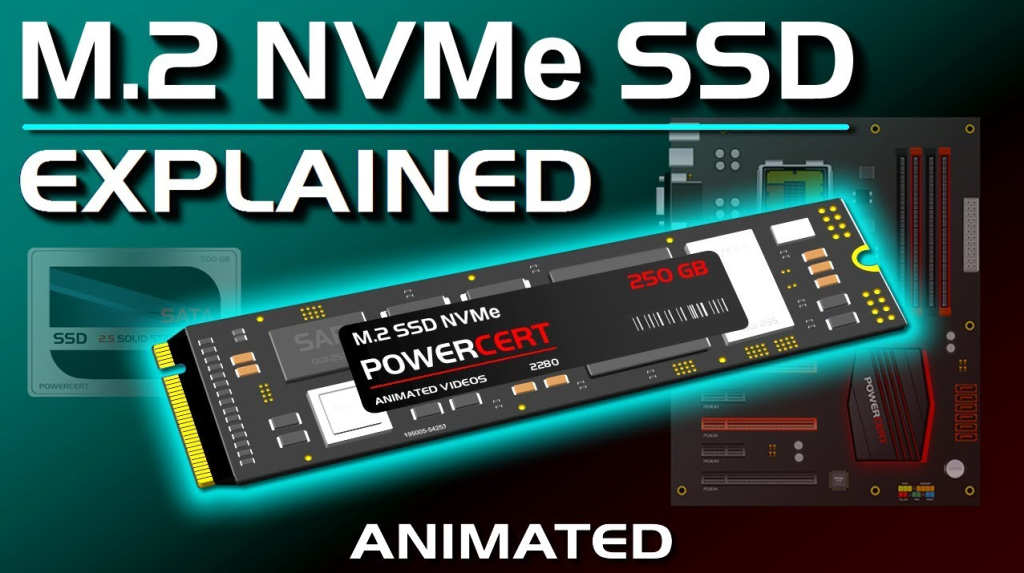
NVMe drives are much faster than SATA SSDs, and they also offer lower latency and higher IOPS. NVMe drives are available in both M.2 and U.2 form factors, and they can be used in a variety of applications including gaming, video editing, and general computing. If you’re looking for the fastest possible SSD, then an NVMe drive is the way to go.
How to check if your Laptop Supports an NVMe SSD
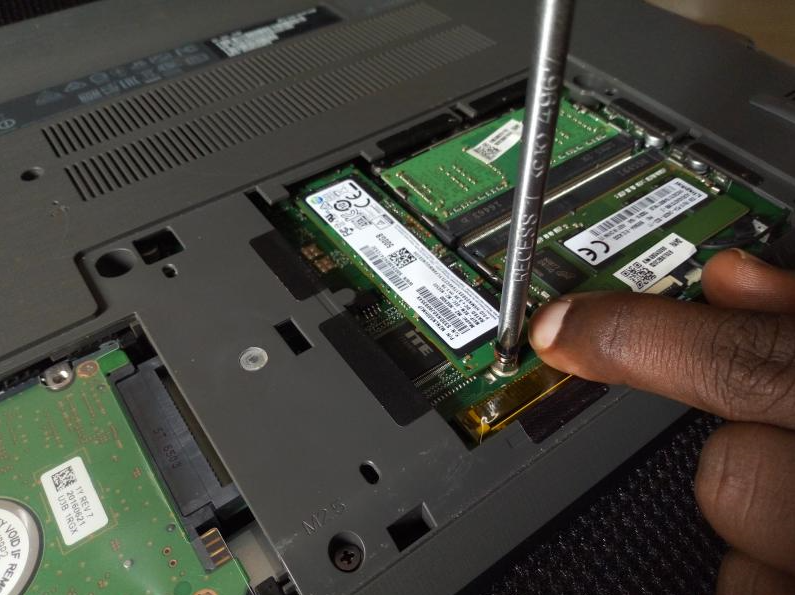
If you’re looking to upgrade your laptop’s storage to an NVMe SSD, the first thing you need to do is check if your laptop supports NVMe. Not all laptops do, so it’s important to check before you buy an NVMe SSD.
Here are a few ways to check if your laptop supports NVMe:
Laptop documentation
If you have the documentation for your laptop, it should say whether or not it supports NVMe. If you don’t have the documentation, you can usually find it online.
Laptop BIOS
Your laptop’s BIOS will also indicate whether or not it supports NVMe. To check your BIOS, you’ll need to restart your laptop and press a key (usually F2 or F10) to enter the BIOS. Once you’re in the BIOS, look for an option that says “NVMe” or “M.2.”
Laptop’s ports
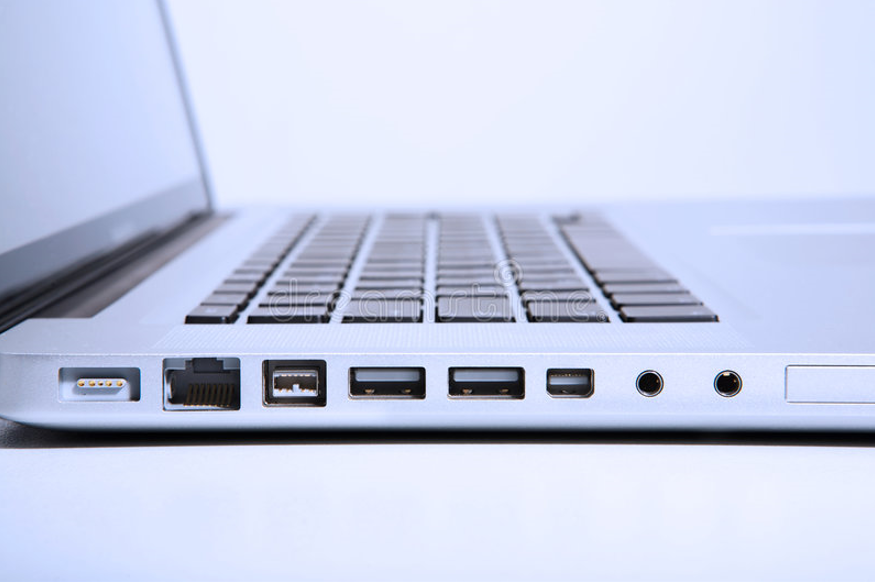
If your laptop has an M.2 port, it supports NVMe. You can usually find the M.2 port on the side or bottom of the laptop.
Manufacturer
If you’re still not sure whether or not your laptop supports NVMe, you can check with the manufacturer. They should be able to tell you whether or not your laptop supports NVMe.
Once you’ve confirmed that your laptop supports NVMe, you can start shopping for an NVMe SSD. Make sure to get an NVMe SSD that’s compatible with your laptop to avoid any compatibility issues.
What are The Benefits of an NVMe SSD?
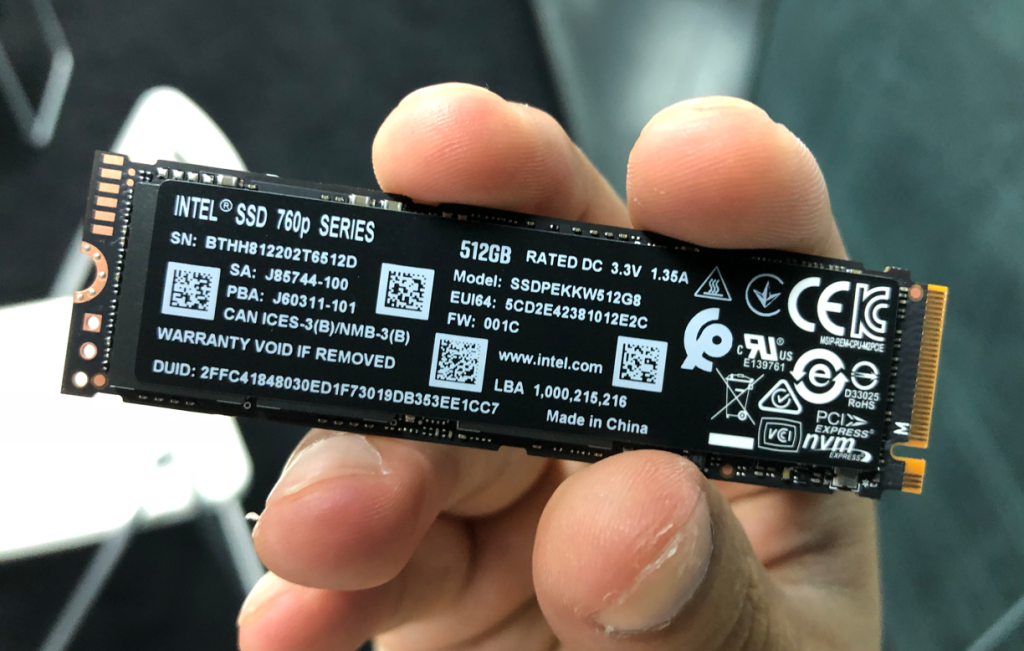
If you’re looking to upgrade your PC with a new SSD, you’ve probably seen the term “NVMe” and wondered what it is. NVMe (Non-Volatile Memory Express) is a new protocol for accessing high-speed storage media, and it’s faster than the SATA interface that’s been used for years. Here’s a look at the benefits of NVMe SSDs.
1. Increased Speed
The biggest benefit of NVMe is the increased speed. SATA SSDs are limited by the SATA interface, which has a maximum theoretical speed of 600 MB/s. NVMe SSDs, on the other hand, can reach speeds of up to 3500 MB/s. That’s a huge increase in speed, and it means that NVMe SSDs can drastically improve your PC’s performance.
2. Improved Latency
In addition to increased speed, NVMe SSDs also offer improved latency. Latency is the time it takes for the SSD to start reading or writing data after it receives a request. NVMe SSDs have latency that’s about 4 times lower than SATA SSDs, and that can make a big difference in how responsive your PC feels.
3. More Bandwidth
Another benefit of NVMe is increased bandwidth. The SATA interface is limited to a bandwidth of 8 Gb/s, but NVMe can offer up to 128 Gb/s. That’s a huge increase, and it means that NVMe SSDs can offer much better performance when working with large files or when running demanding applications.
4. Improved Power Efficiency
NVMe SSDs are also more power-efficient than SATA SSDs. That’s because the NVMe protocol is designed to take advantage of the low-power features of newer NAND flash memory chips. As a result, NVMe SSDs use less power than SATA SSDs, which can lead to longer battery life on laptops and lower power bills for desktop PCs.
Read Also : 5 Reasons Why Peoples Love
5. Scalability
It is also more scalable than SATA SSDs. The NVMe protocol was designed with future expansion in mind, and it supports features like PCIe bifurcation, which allows a single NVMe SSD to be used with multiple PCIe lanes. That means that NVMe SSDs will be able to take advantage of future improvements in PCIe technology, which will further increase their speed and bandwidth.
The benefits of NVMe SSDs are clear. If you’re looking for the fastest and most responsive storage for your PC, NVMe is the way to go.

Team IFovd is the official editorial team behind IFovd.com, responsible for researching, publishing, maintaining, and updating all website content. Our dedicated writers and editors are committed to delivering accurate, informative, and high-quality articles across a wide range of topics. Thank you for visiting and trusting IFovd. For any questions, feedback, or support, feel free to contact our team.